Finish the paperwork while the details are still in your hand.
Velryq keeps the essential estimate and invoice workflow focused, fast, and ready for a small screen.
01
Create
Turn job details into a clear estimate.
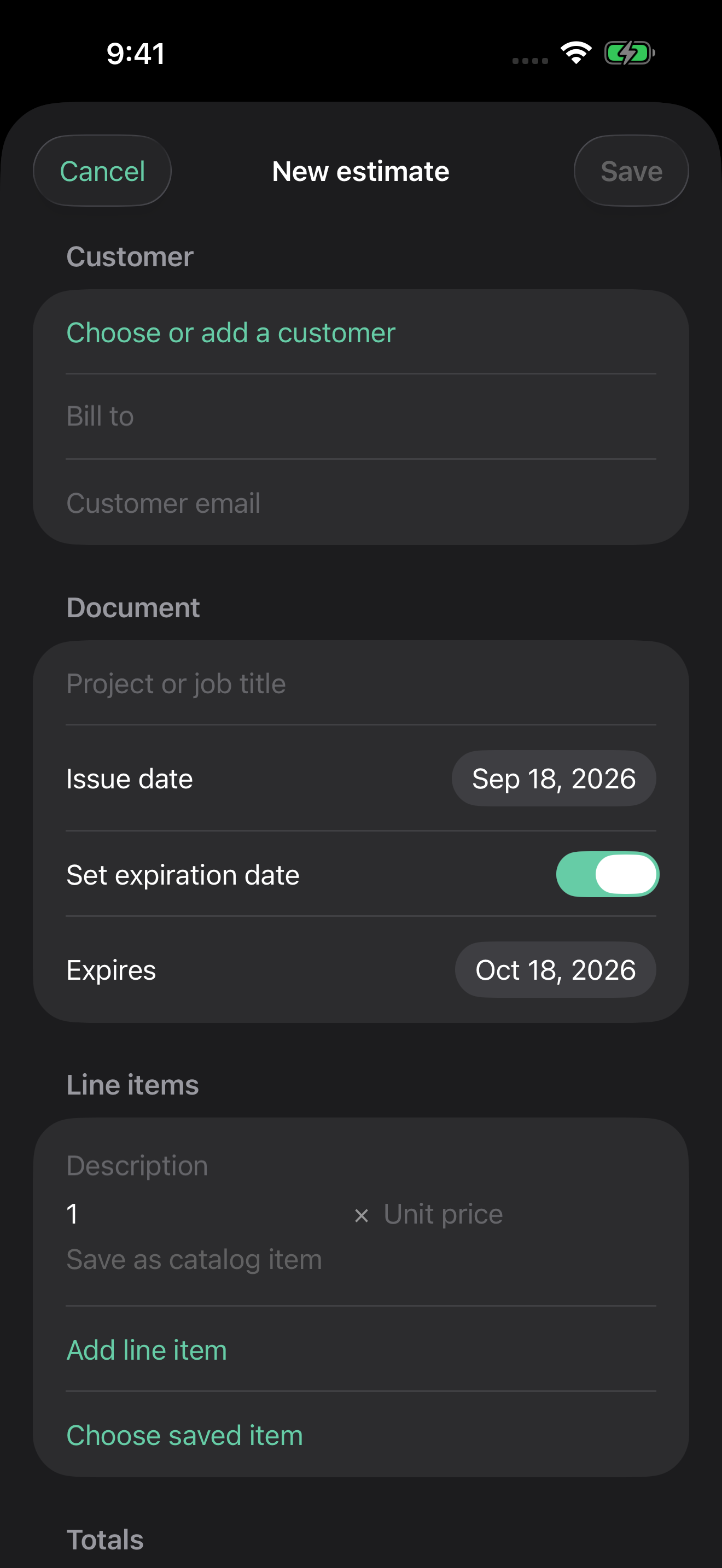
Choose a customer, add services and materials, set tax and terms, and review the total before anything reaches the customer.
Saved items and customer records
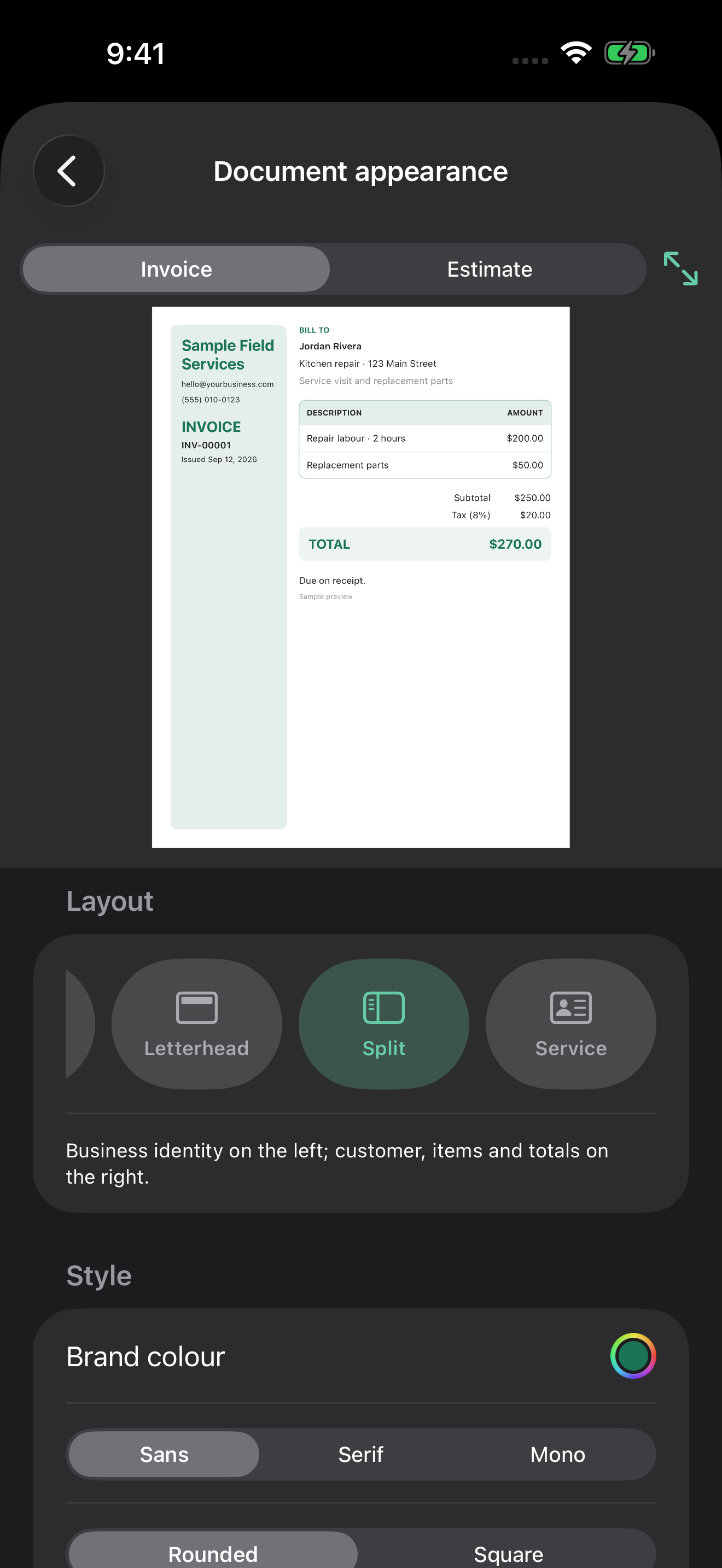
Business branding and document templates
Notes, terms, due dates, and purchase orders
Create a complete estimate without returning to a desktop.
Choose a polished, branded layout for every document.02
Send and track
Put the next action in the customer’s hands.
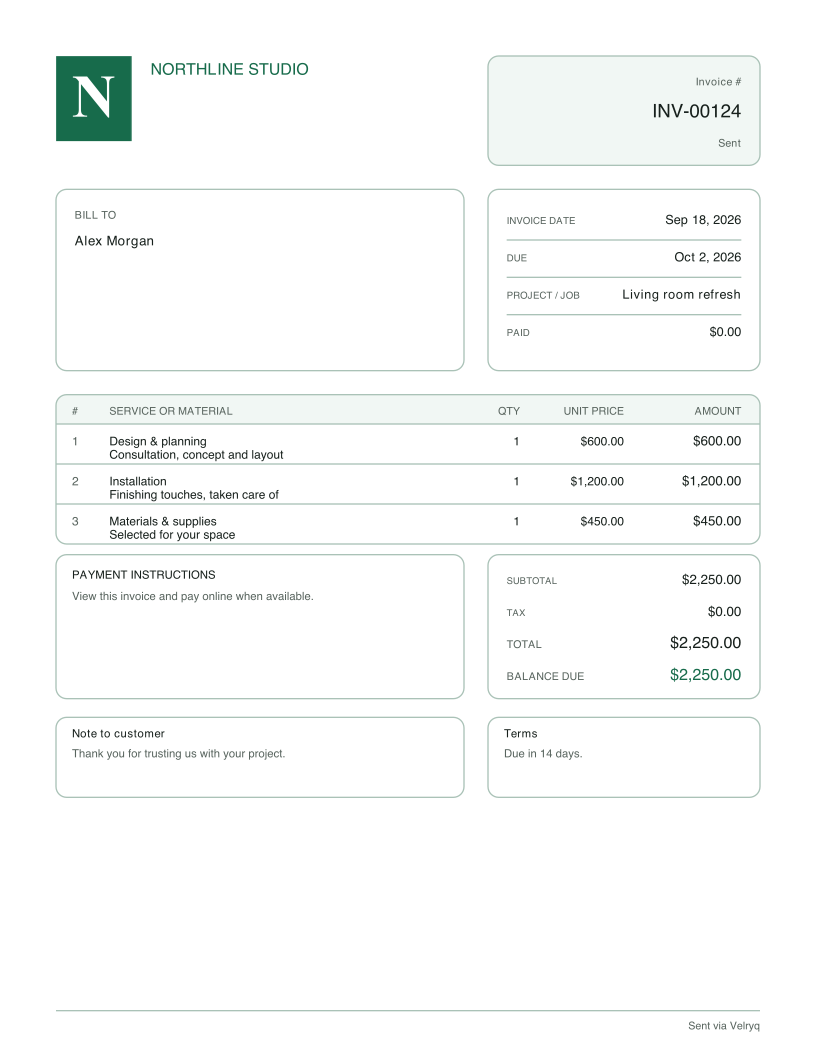
Email or share a polished PDF and customer page. Customers can review an estimate, provide a purchase order when requested, and respond from the link you send.
Customer-ready PDF and live page
Native iPhone sharing
Status and document history
Made for work in motion
The sales-document tools you need, without desktop friction.
Create on the spot
Build detailed estimates and invoices with saved services, materials, taxes, terms, and your business branding.
Know every customer
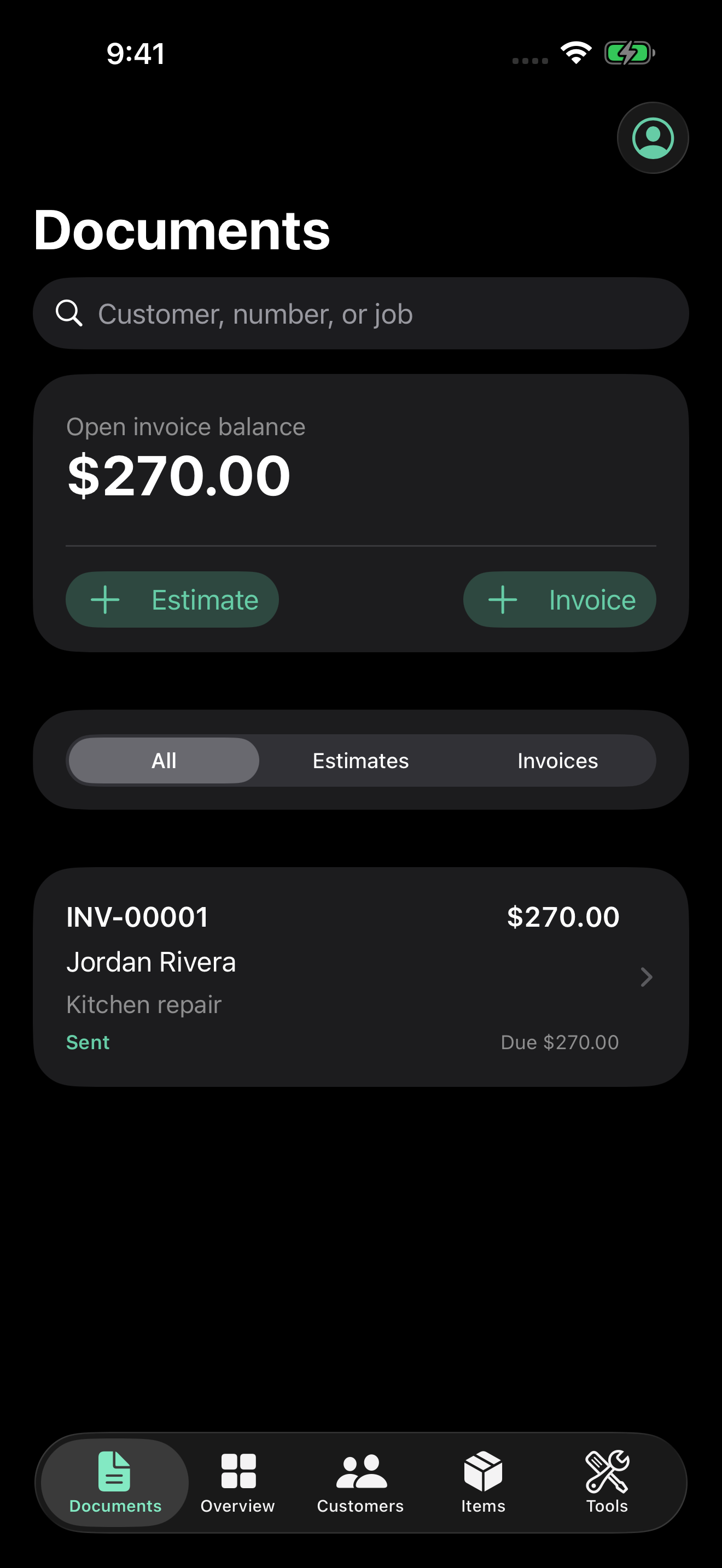
Keep customer details and document history close at hand, whether you are at the office or between jobs.
Send before you leave
Email a customer-ready PDF, share it with the iPhone share sheet, and follow each document from draft to paid.
Make payment easier
Use Stripe or Square payment links, record manual payments, or take eligible contactless payments with Tap to Pay on iPhone.
From sent to paid
Let every invoice carry its next step.
Connect Stripe or Square for customer payment links. On supported iPhones, eligible sellers can also take contactless invoice payments with Tap to Pay on iPhone—no extra card reader required.
Payment availability and Tap to Pay eligibility depend on the connected provider, seller account, device, country, and provider requirements.
Try it with your next job
Your first documents. Then your choice.
Start here
14-day trial
Up to 10 estimates and 10 invoices. The trial begins when you create your workspace.
Create a draft, preview the PDF, and send it when you’re ready. Connect a payment provider only if you want its payment features.
Continue after the trial
$19.99 / month
Or $189.99 billed annually.
Choose a subscription in the app. Apple subscriptions renew automatically unless cancelled. Manage or cancel in Apple settings.
US App Store prices in USD. Local prices and applicable taxes are shown by Apple before purchase. Payment-provider processing fees are separate. Downloading the app or creating a workspace does not itself purchase an Apple subscription.
Before your first invoice
Do I need a registered company?
You can use Velryq as an independent worker or sole proprietor. Use your own name or the name you trade under. Payment providers have their own verification requirements.
Do I need to connect Stripe or Square first?
No. Create estimates and invoices, share PDFs, and record payments manually without connecting a provider. Online card payments and Tap to Pay require an eligible connected account.
What happens when my trial ends?
A subscription is required to continue creating and sending documents. Review the available plans in Account → Subscription. You choose whether to purchase; the workspace trial alone does not authorize an Apple charge.
Does Tap to Pay work on every iPhone?
No. Availability depends on a supported iPhone, country, payment provider and seller eligibility. The app guides you through setup. Provider processing fees apply.
Velryq Sales Docs for iPhone
Take the paperwork off your desk.
Create, send, and track estimates and invoices wherever the work happens.